Resources·
Aurora and light hero backgrounds: 20 animated looks, with code
A gallery of 20 animated aurora, ribbon and light-veil backgrounds for website heroes. Each one opens in Wayglim, free, to tune and export as Next.js, React, HTML, an image or a video.
Loris·5 min
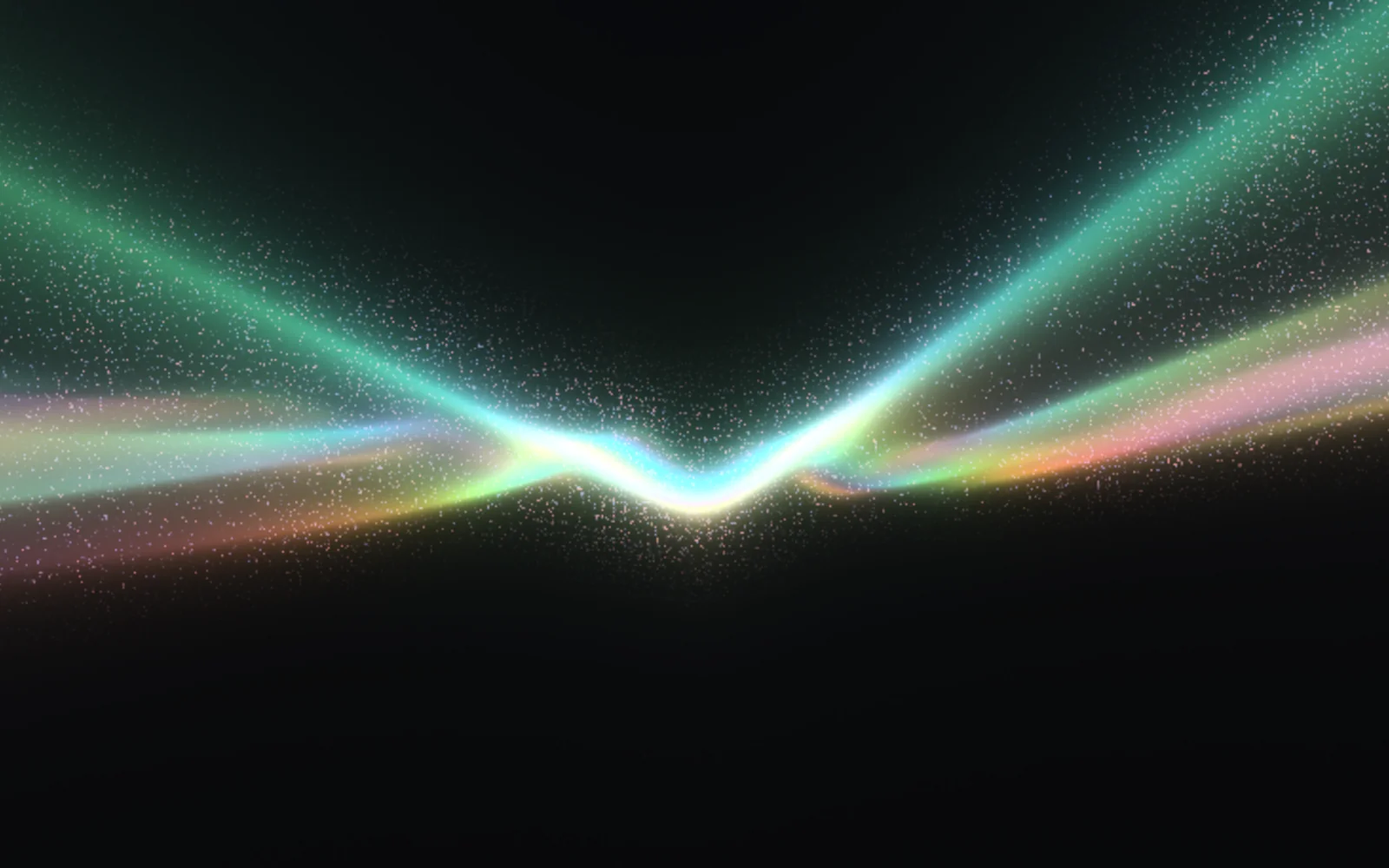
Short answer: an aurora background is a soft band of coloured light that slowly moves behind a hero headline. Below are 20 of them from Wayglim, a free browser studio for animated light backgrounds. Each link opens the look in Wayglim, where you can change its colours and motion and export it as a Next.js or React component, plain HTML, a PNG or JPG up to 4K, or an MP4 or WebM loop.
Aurora backgrounds became popular because they do one thing a photo can't: they make a dark page feel alive without saying anything. The common versions are a CSS gradient sliding behind the page. That's light and easy, and it looks like a gradient sliding behind the page.
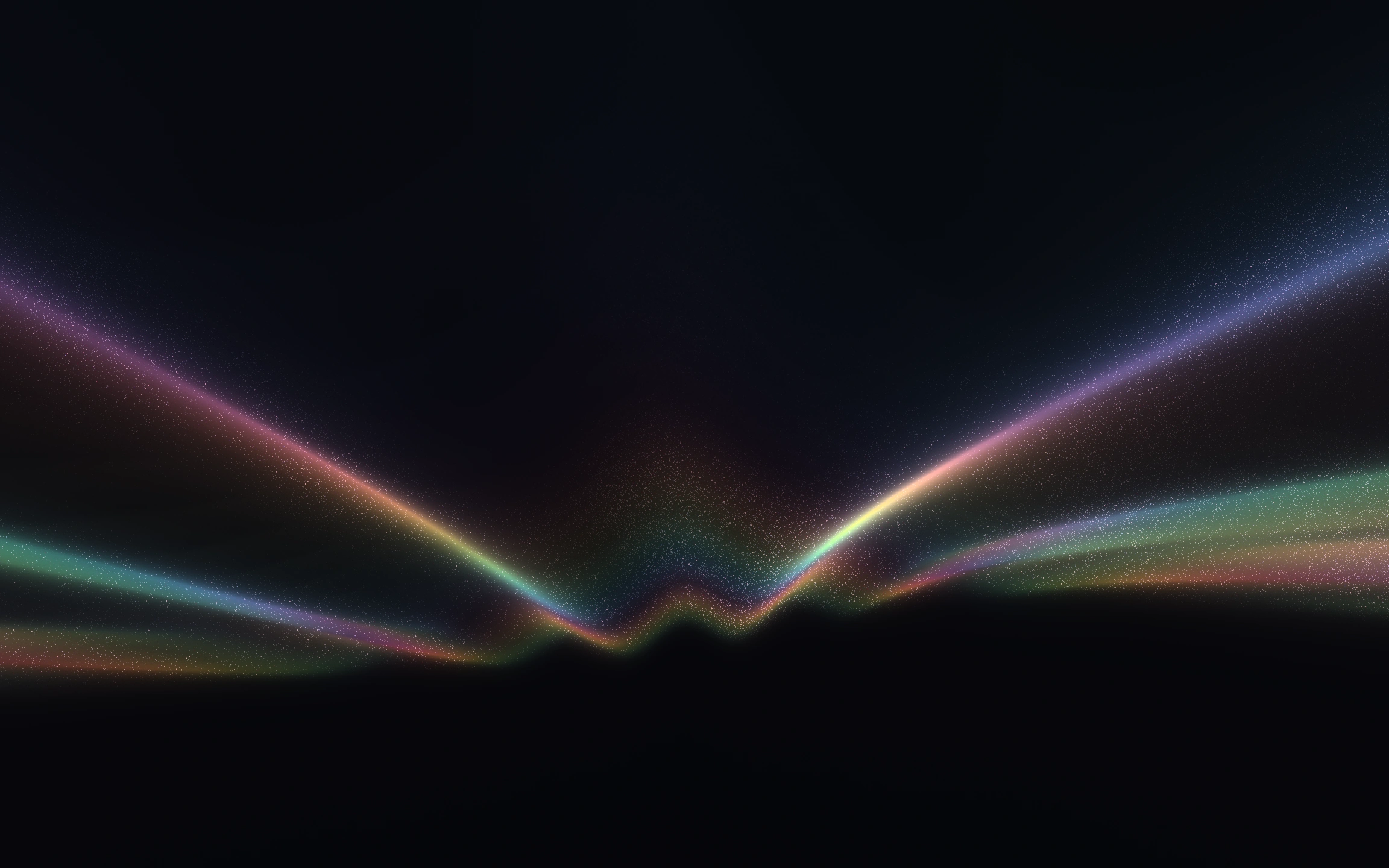
Wayglim's looks are drawn by a WebGL shader instead. The light has grain, refraction and a real edge, and it moves in a seamless loop. All the pictures below are stills from the studio at 1624 × 914. Click one to see it larger, or follow its link to open it live.
The gallery
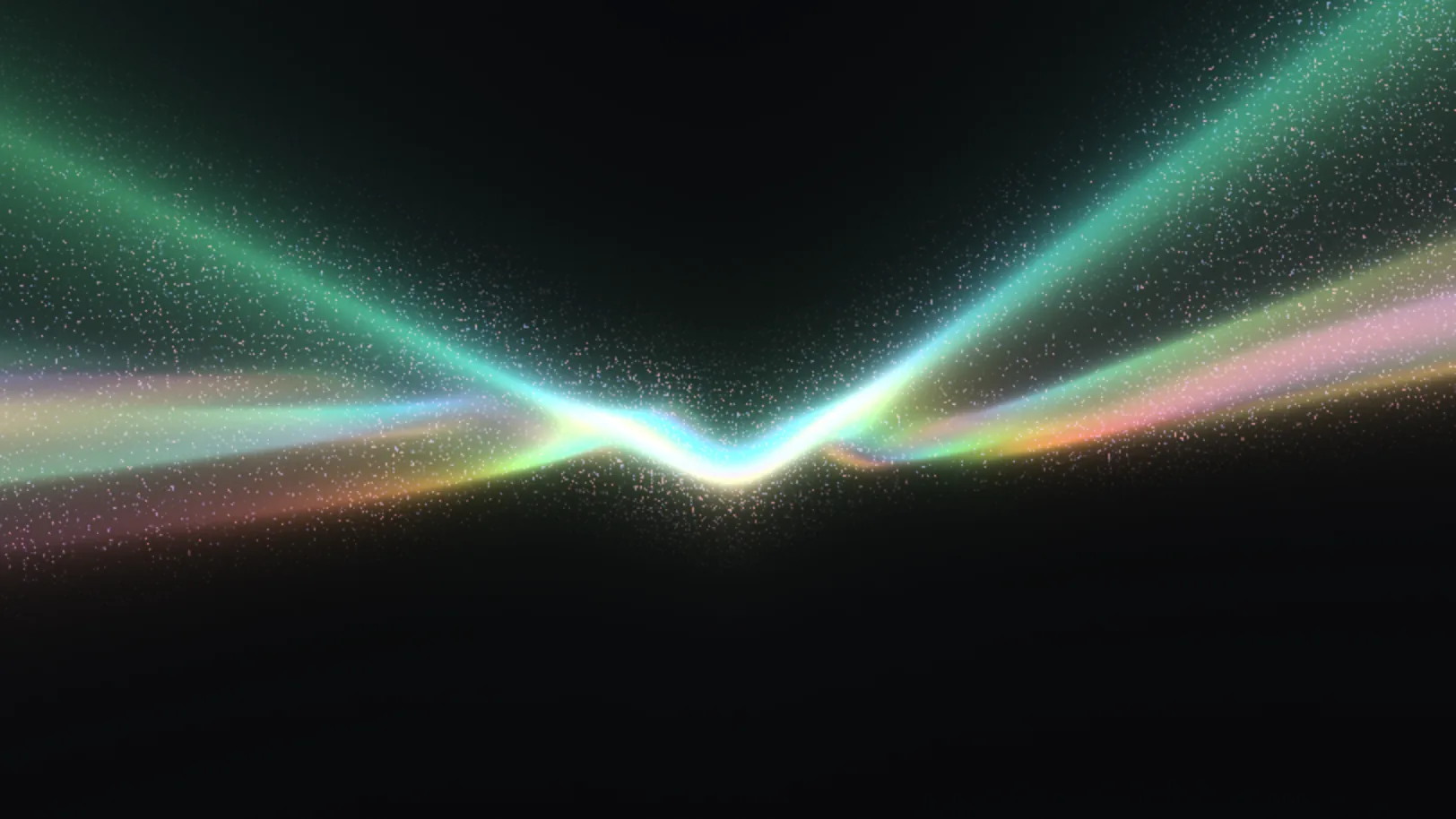
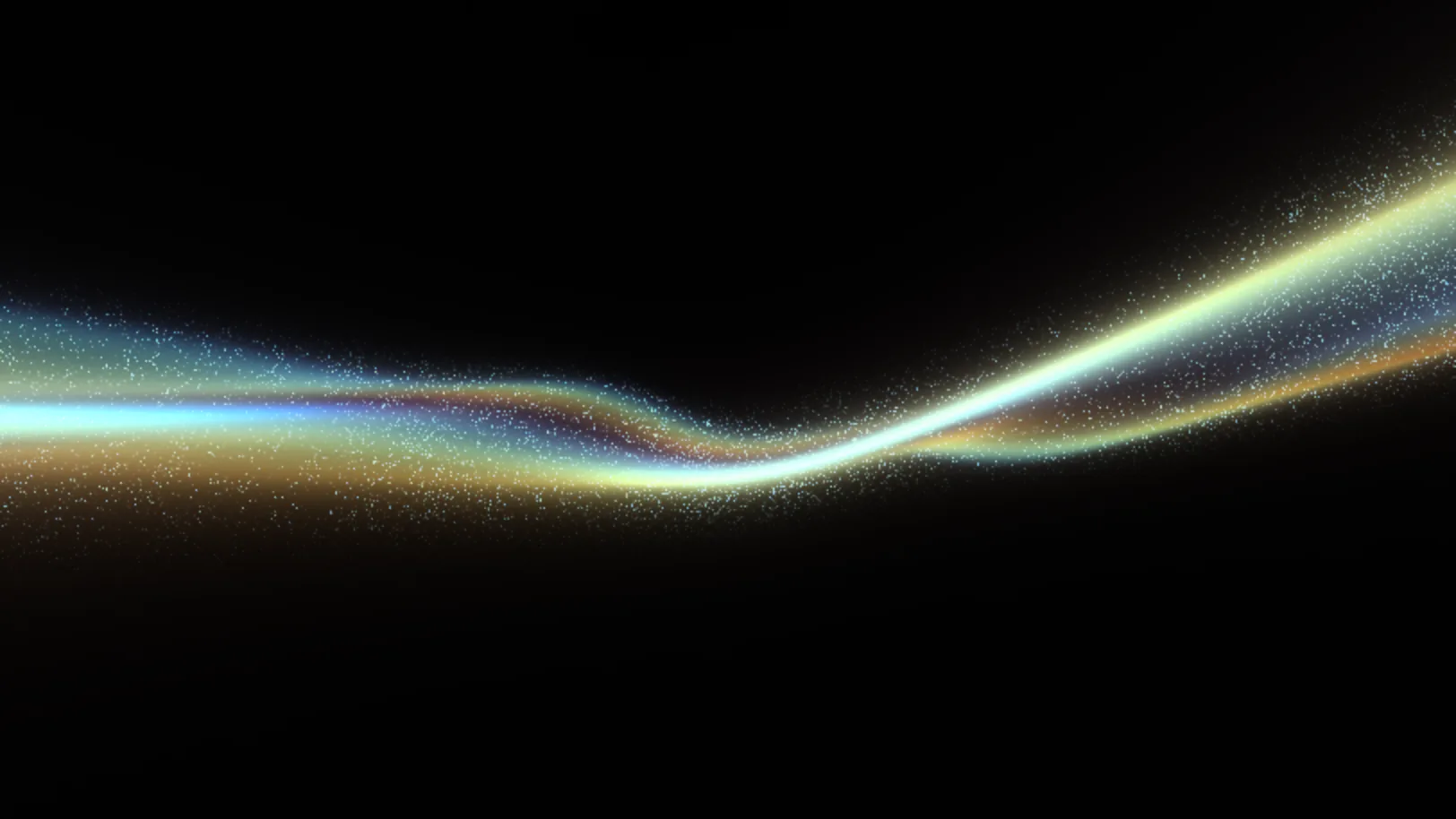
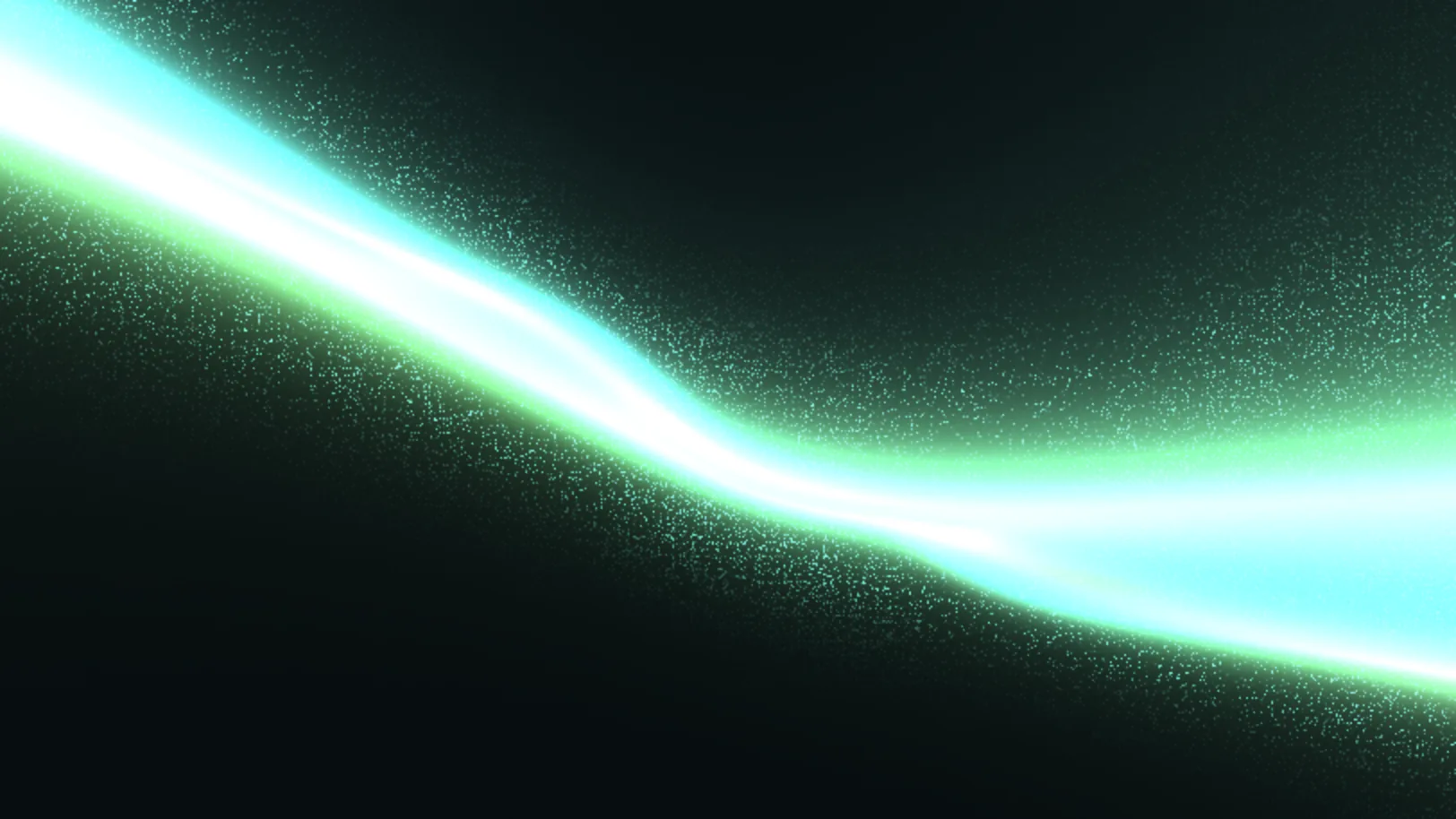
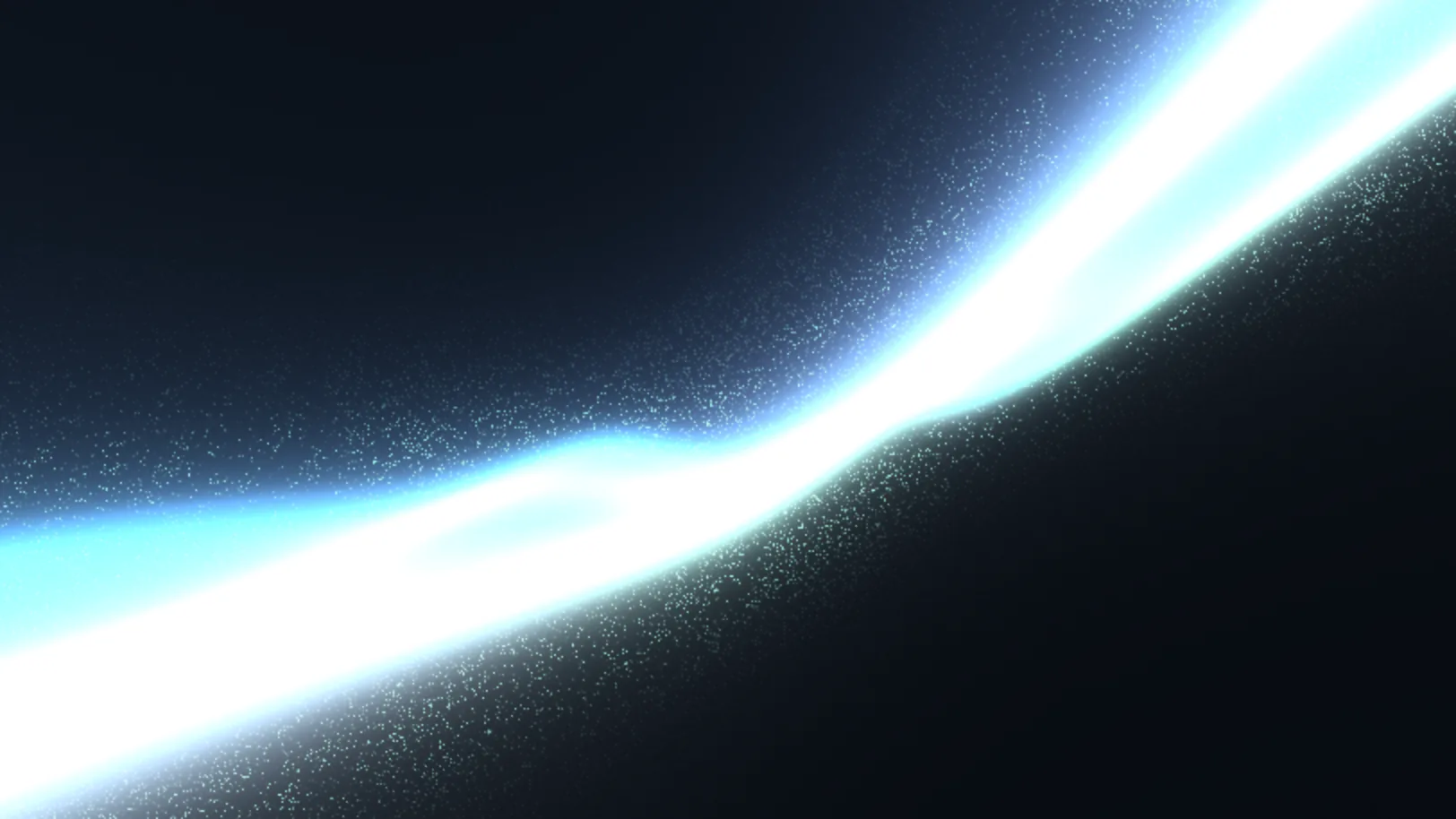
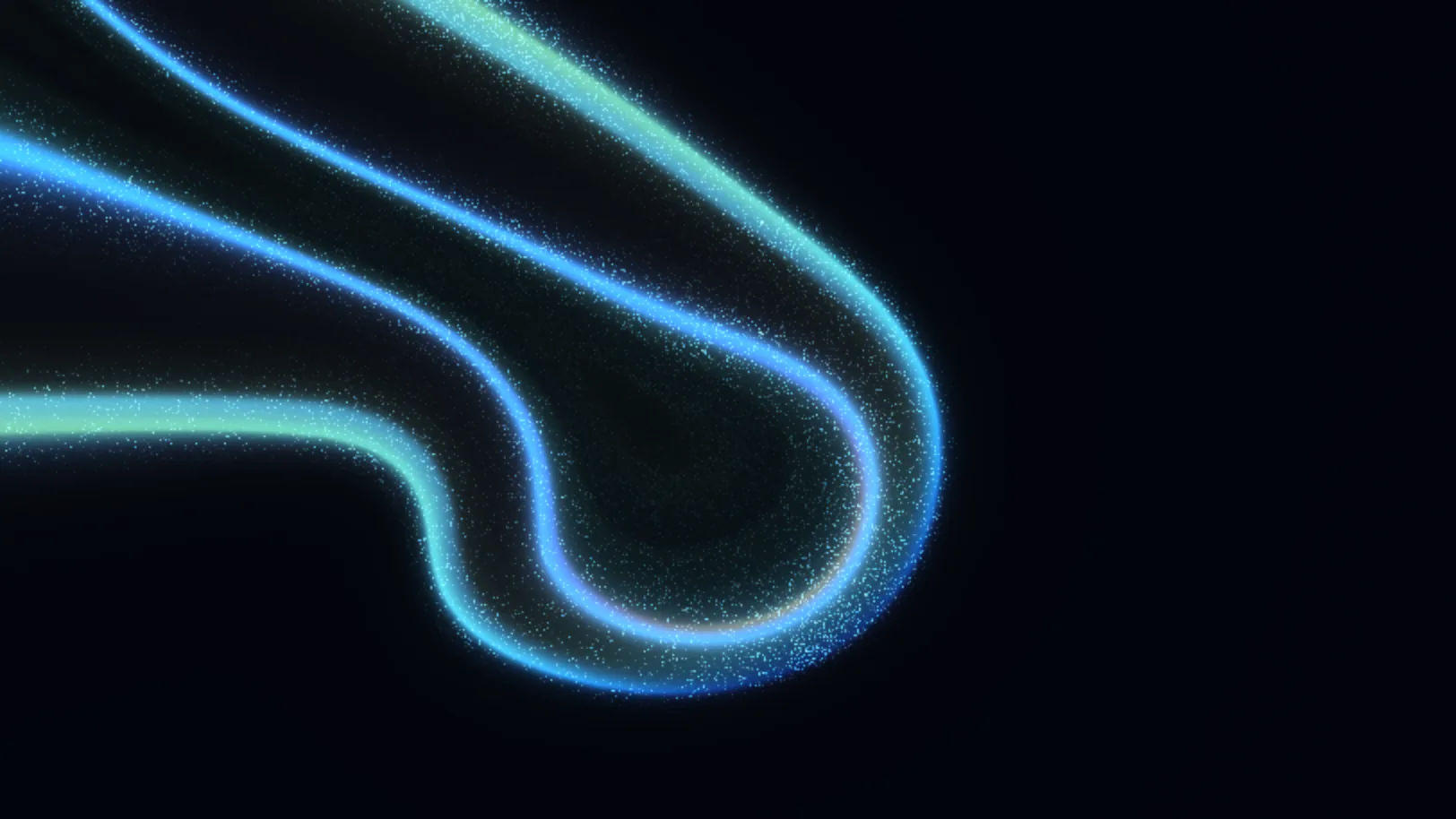
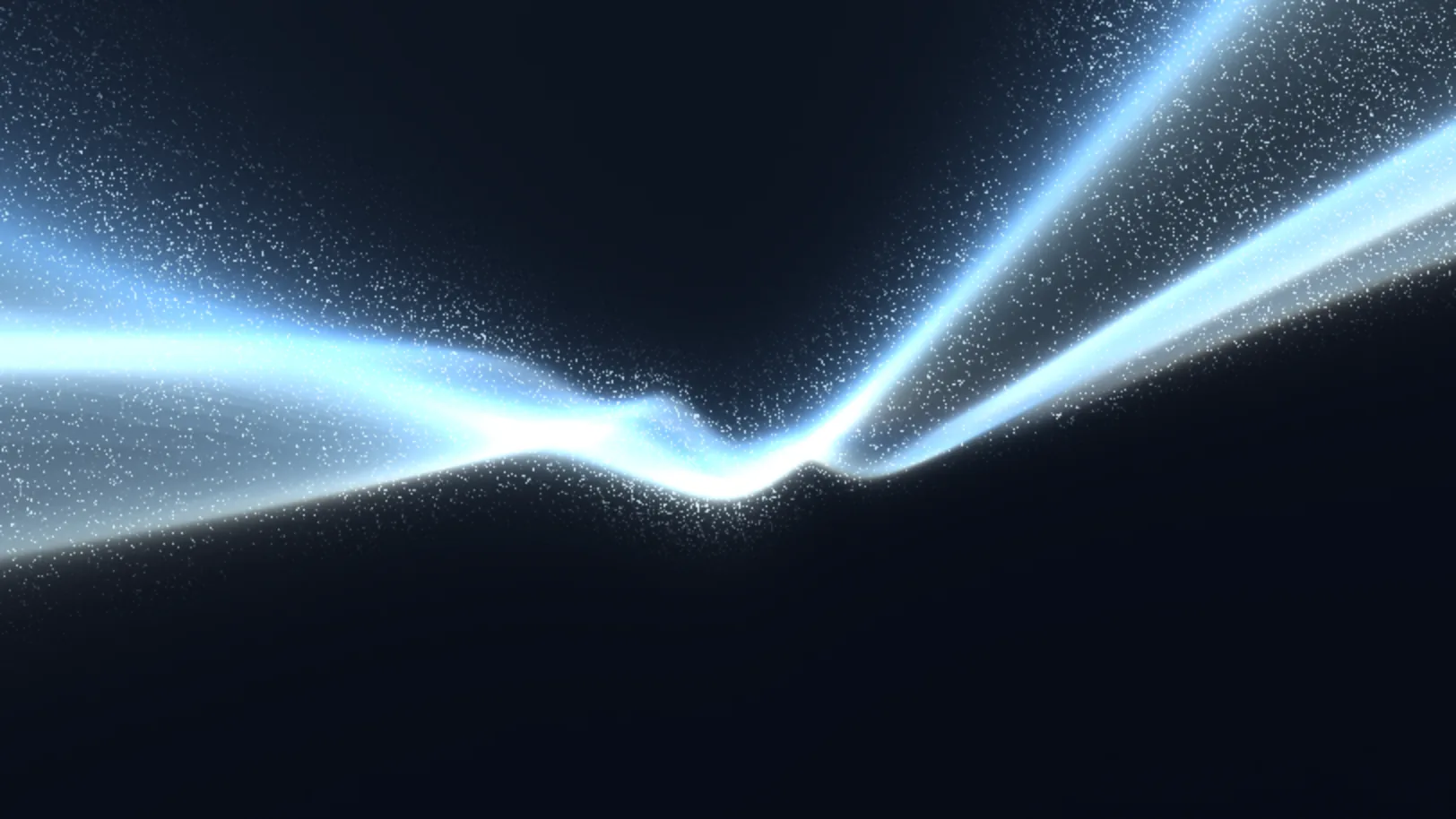
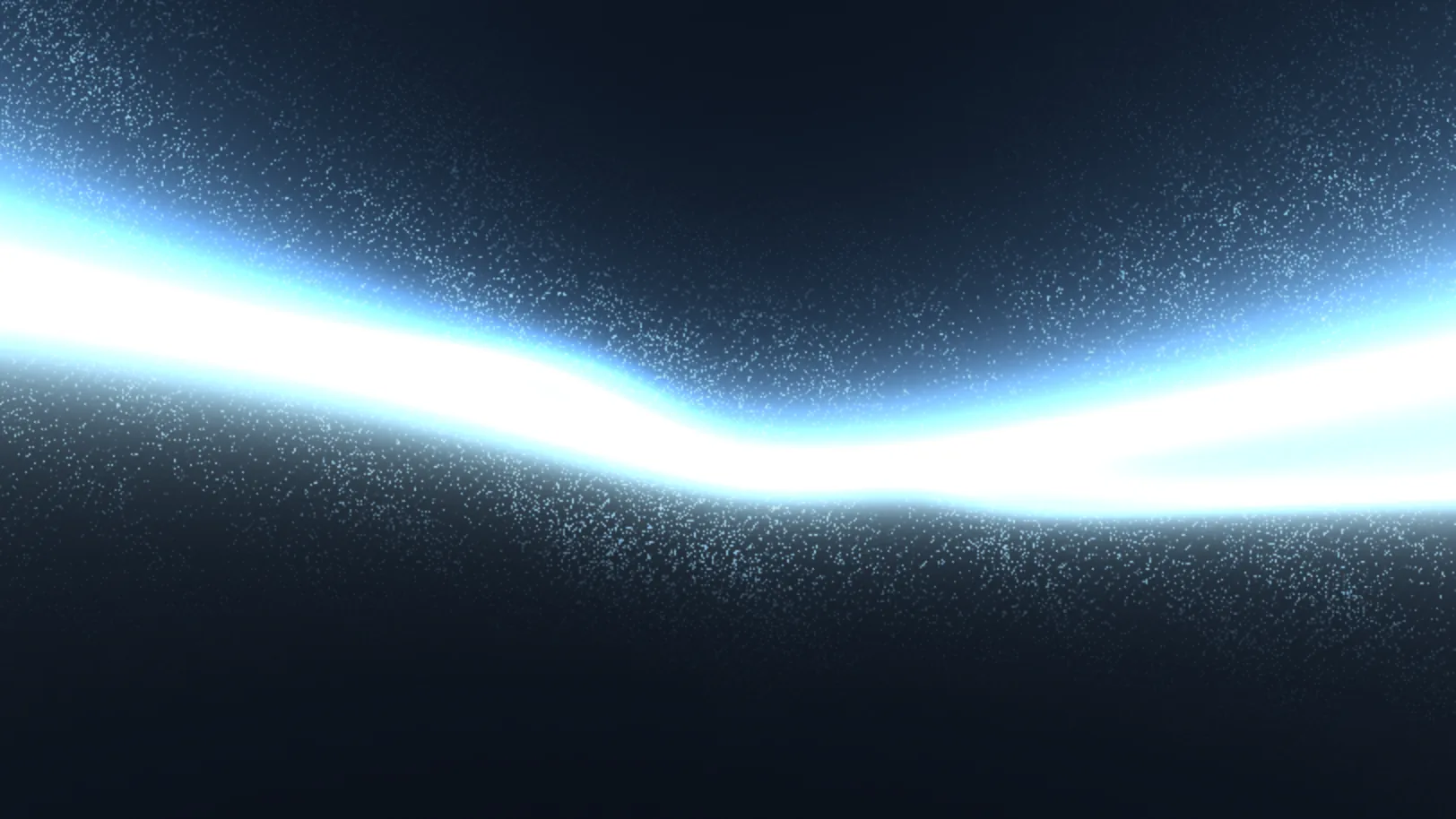
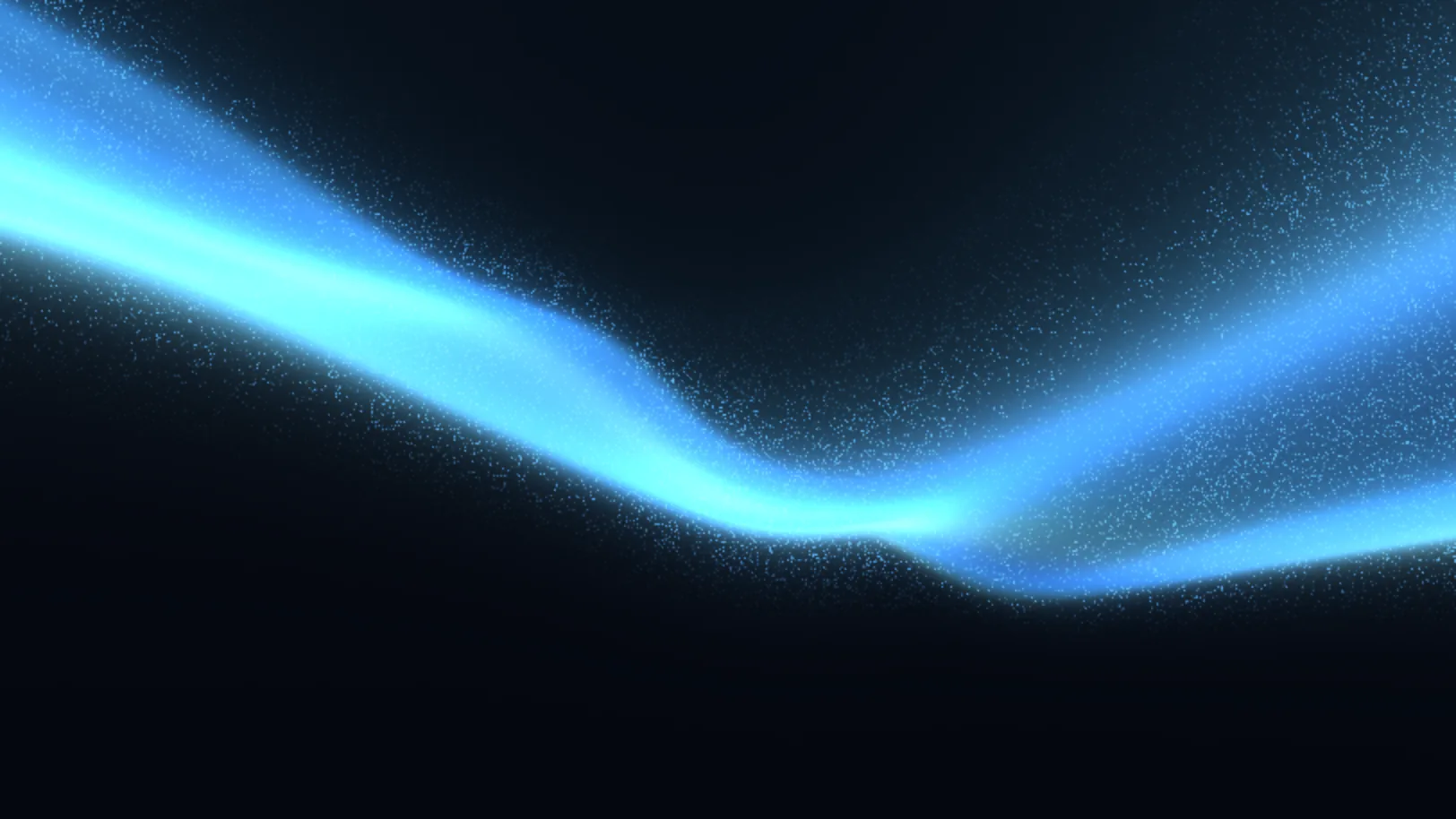
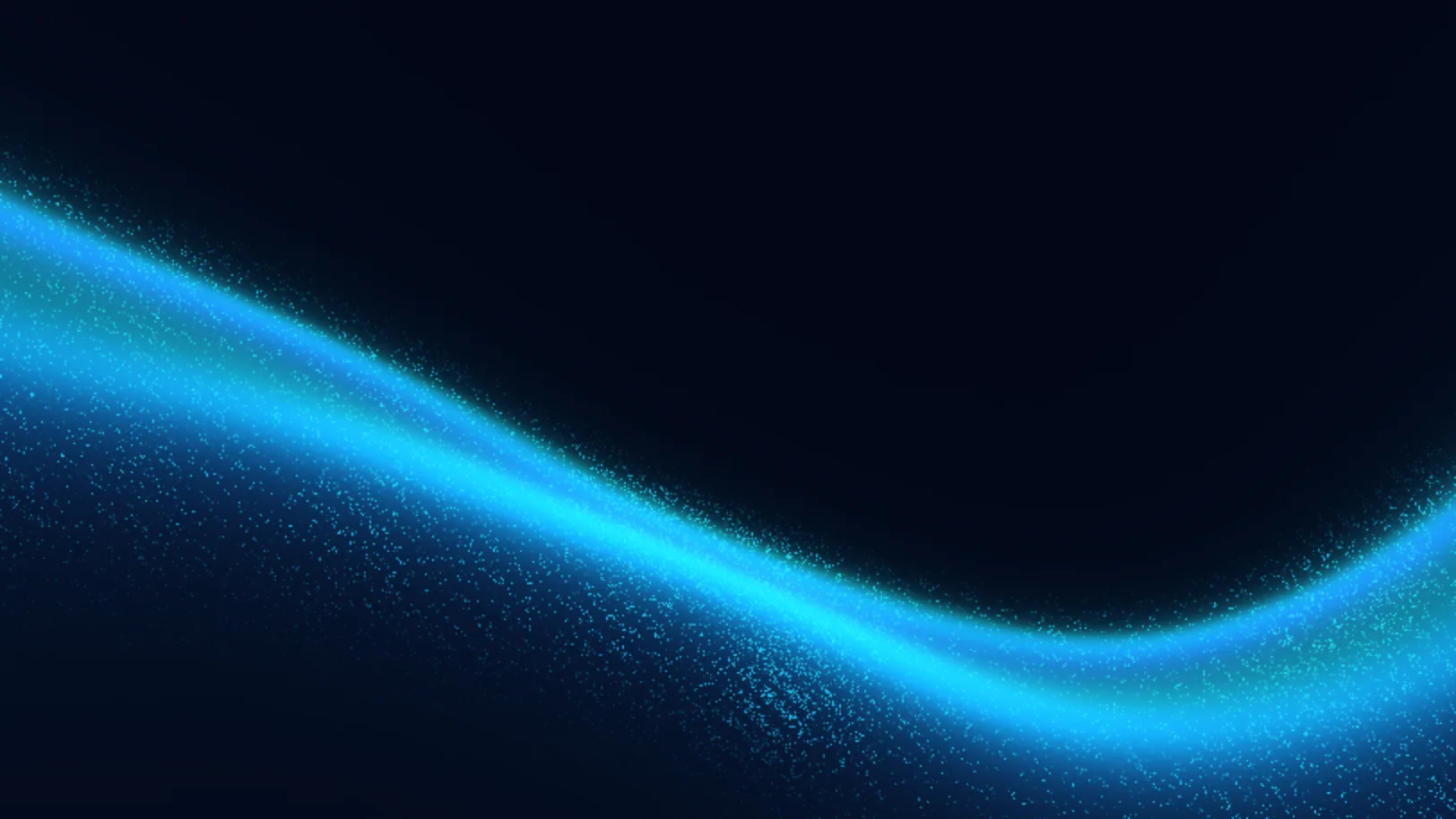
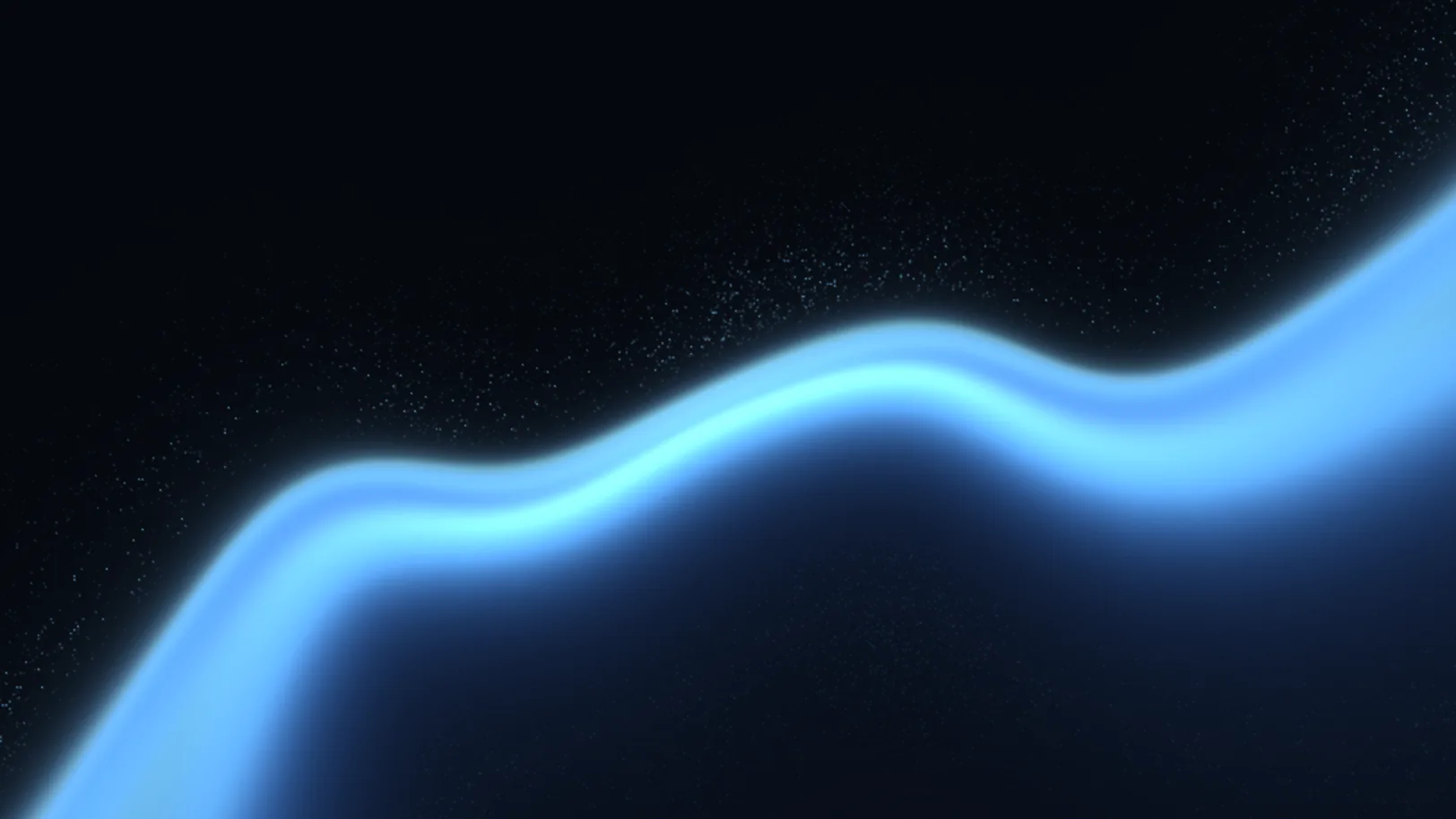
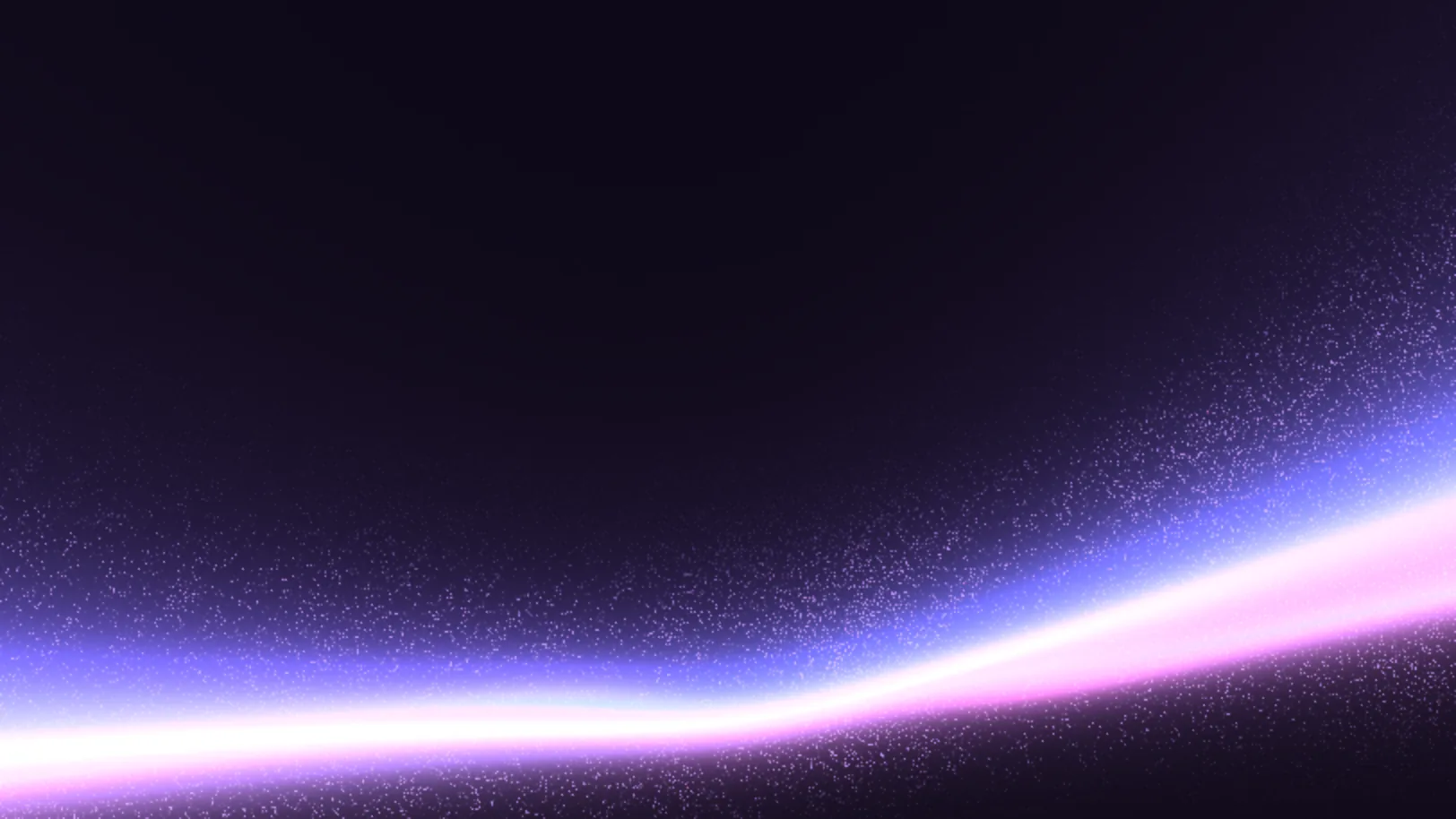
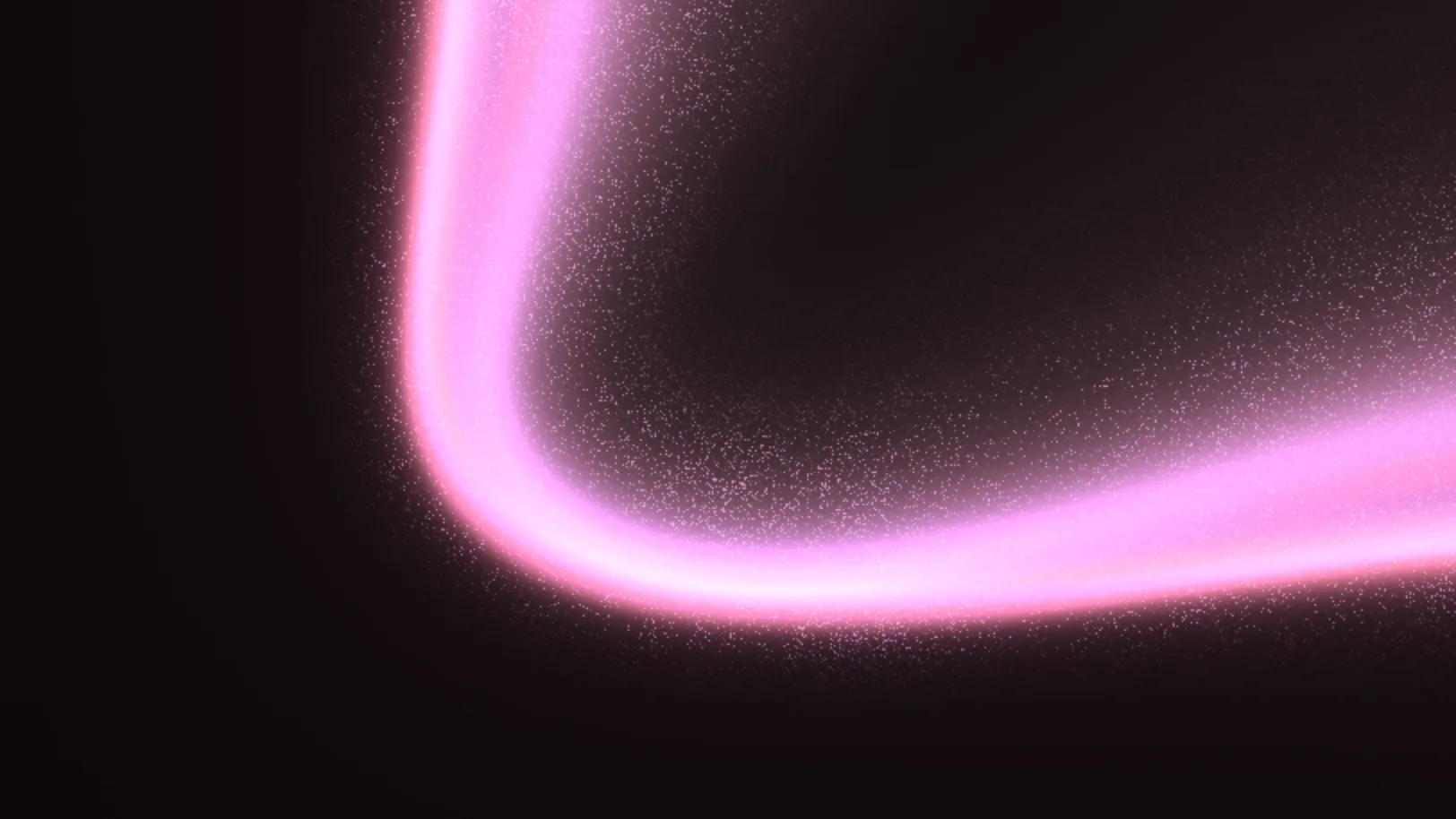
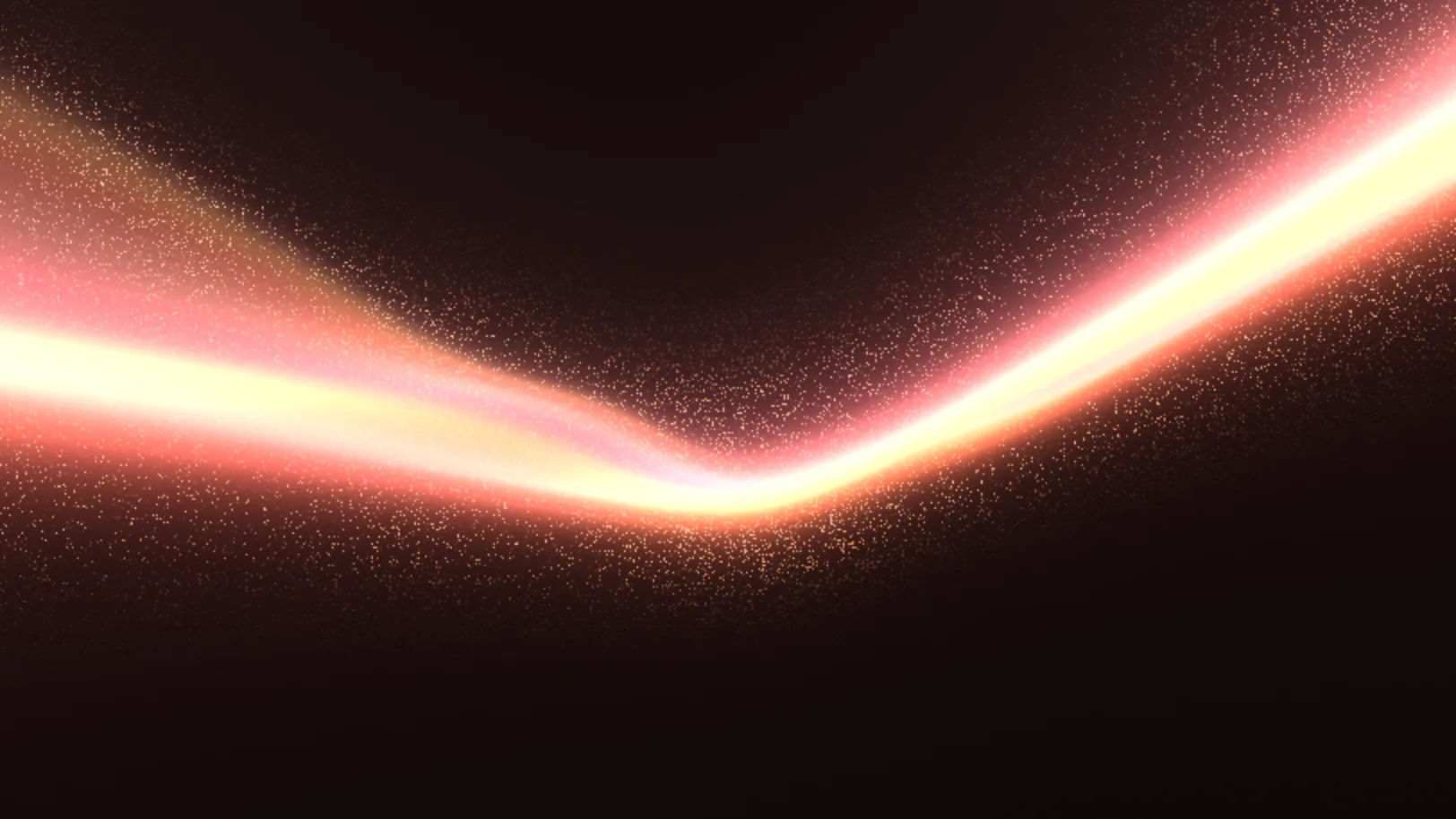
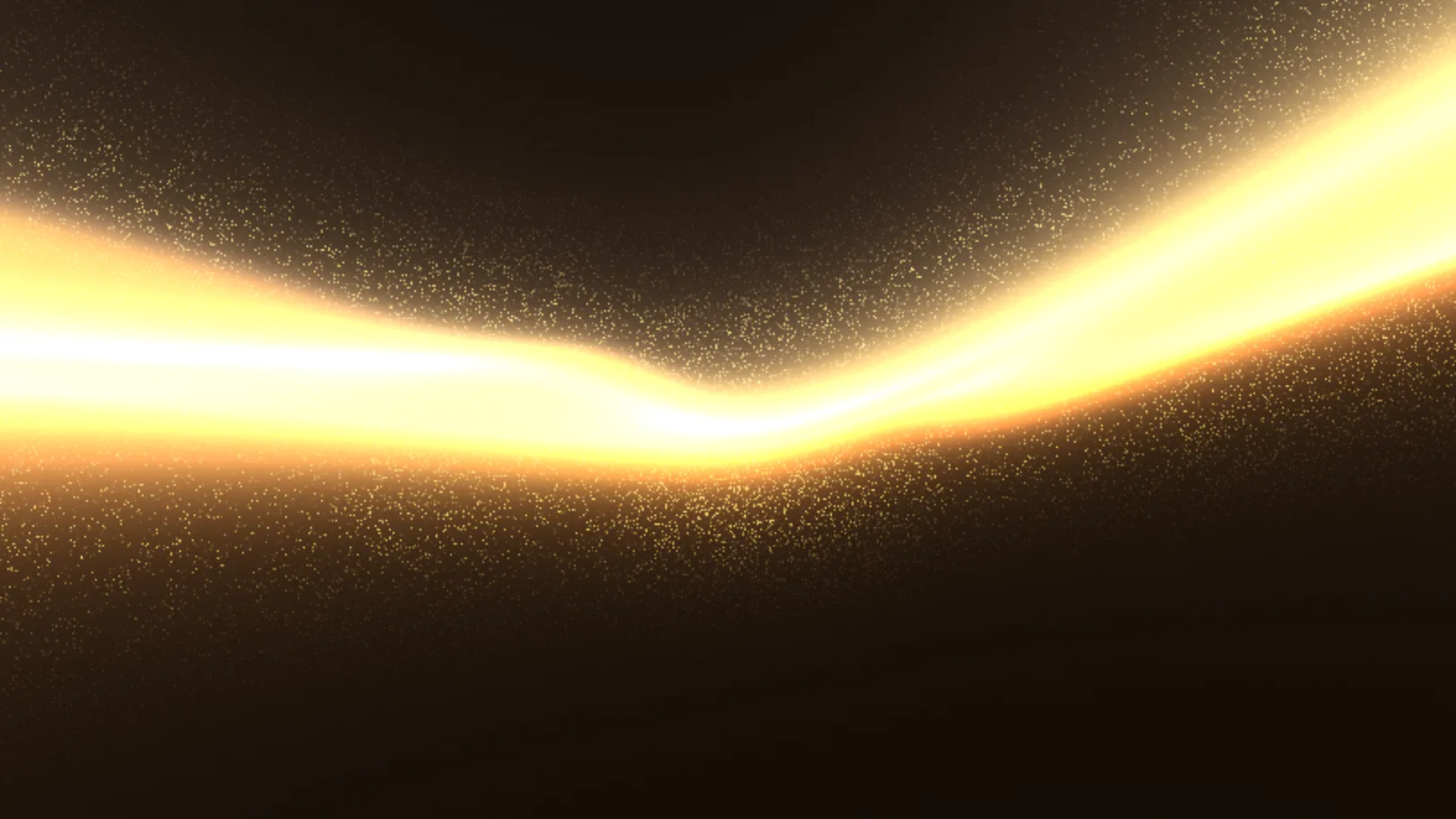
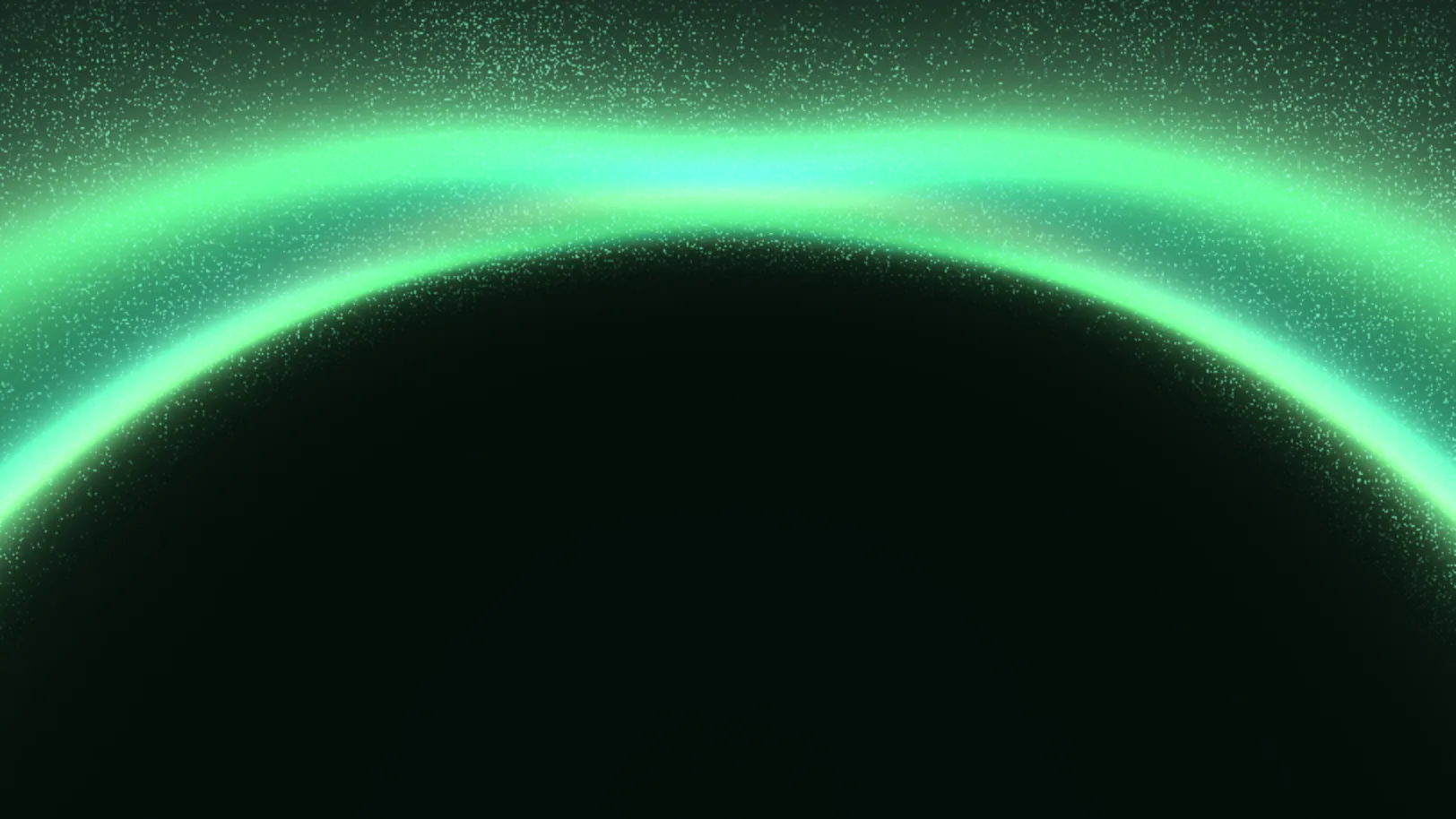
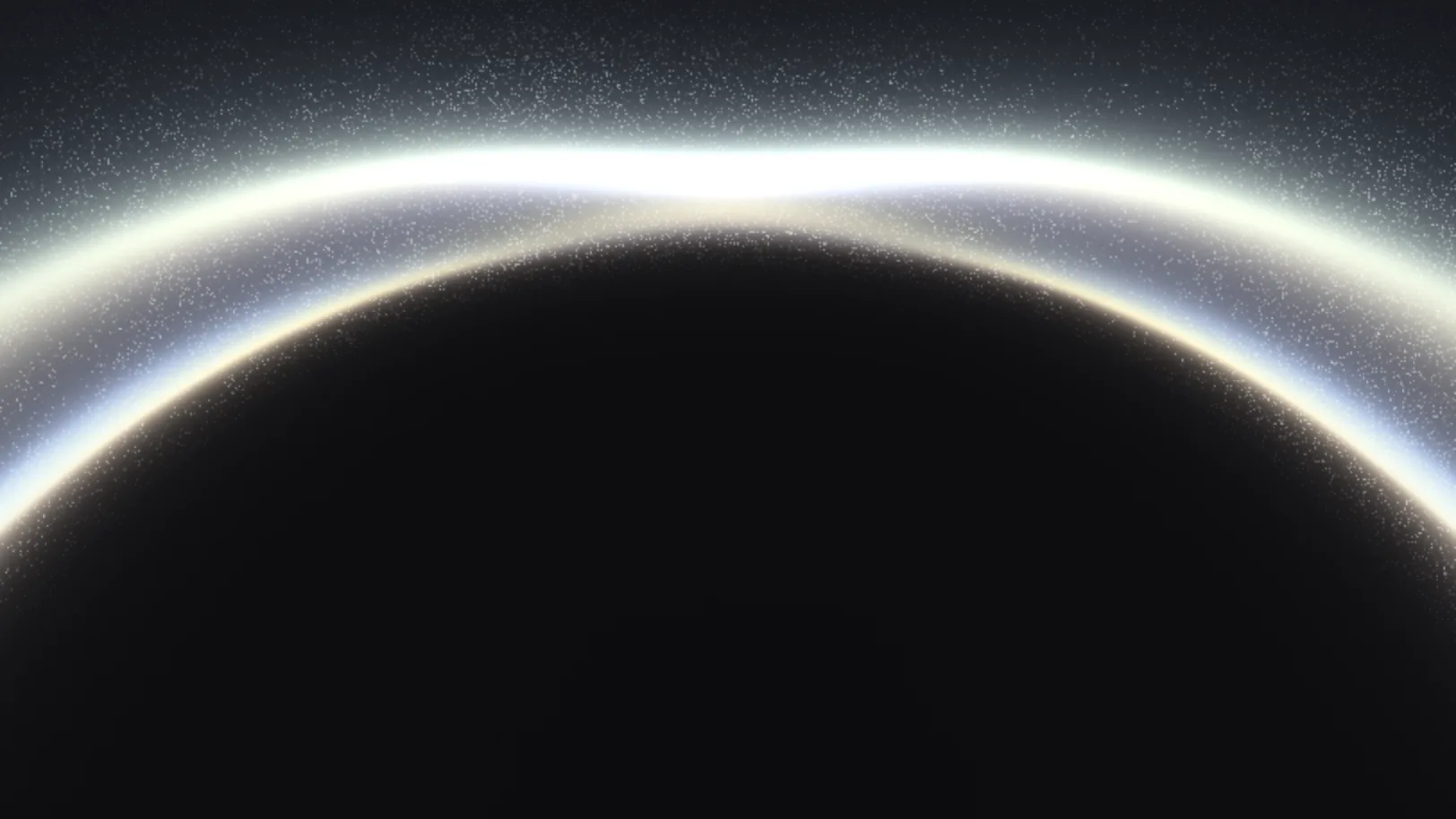
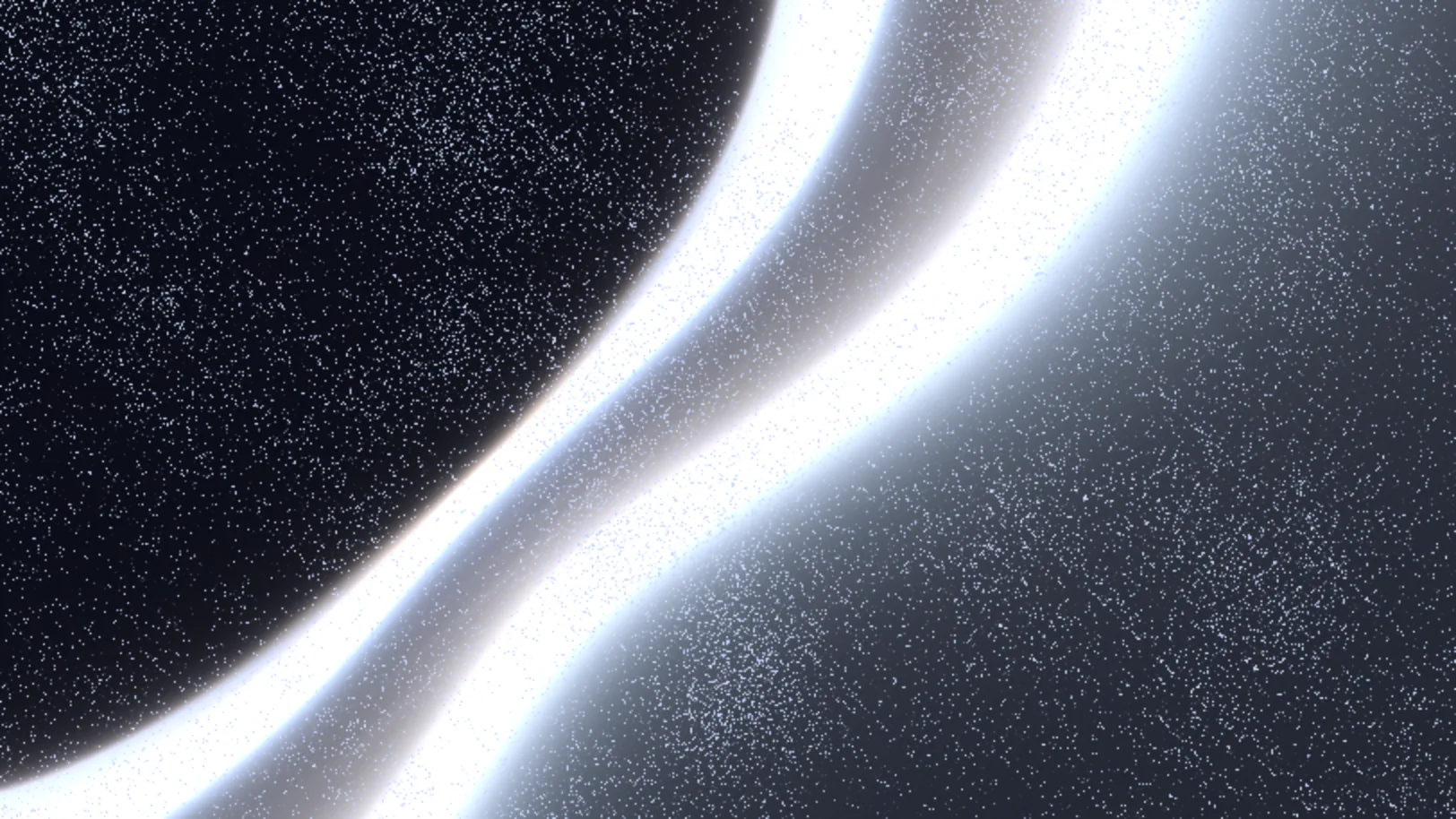
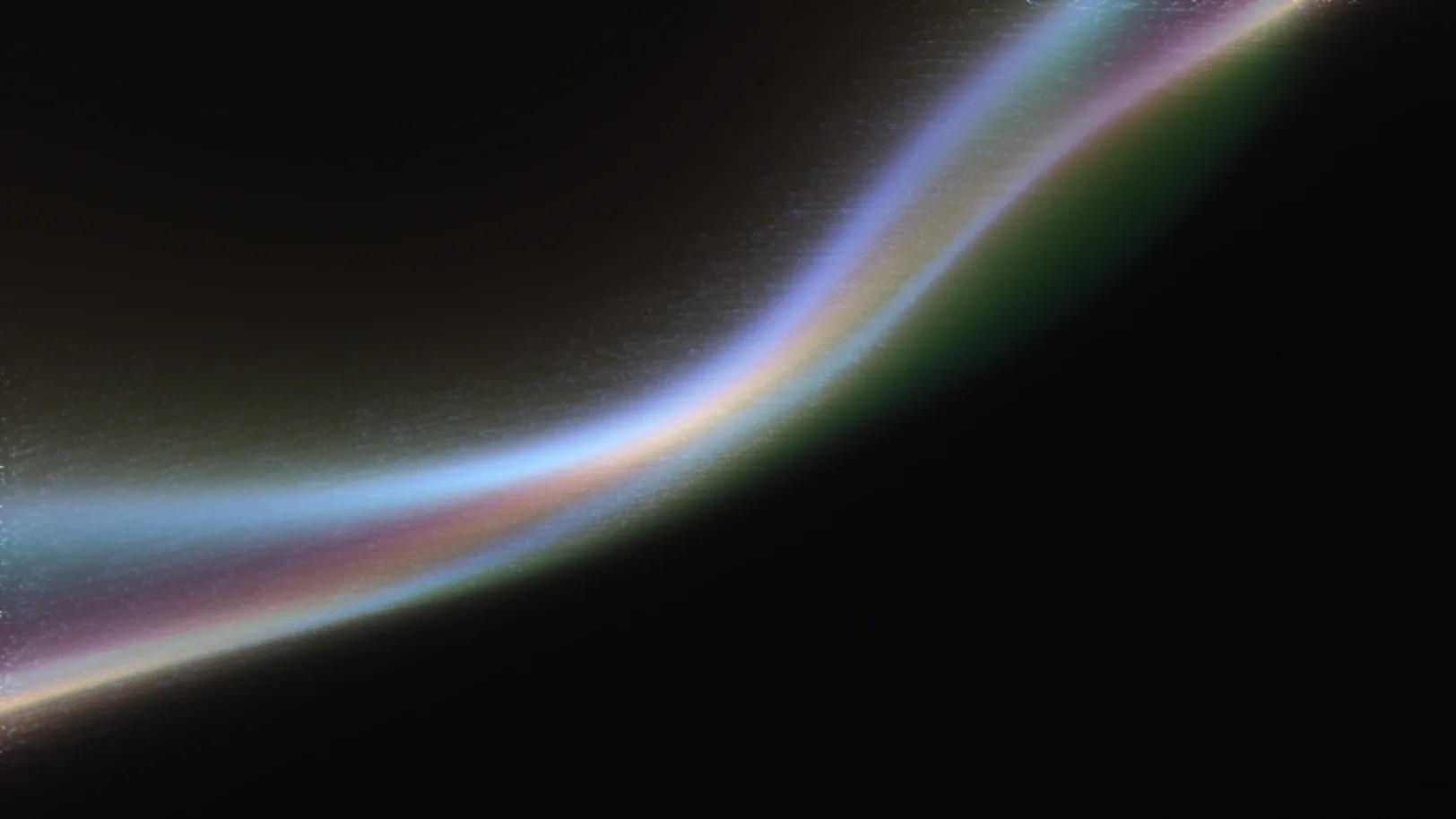
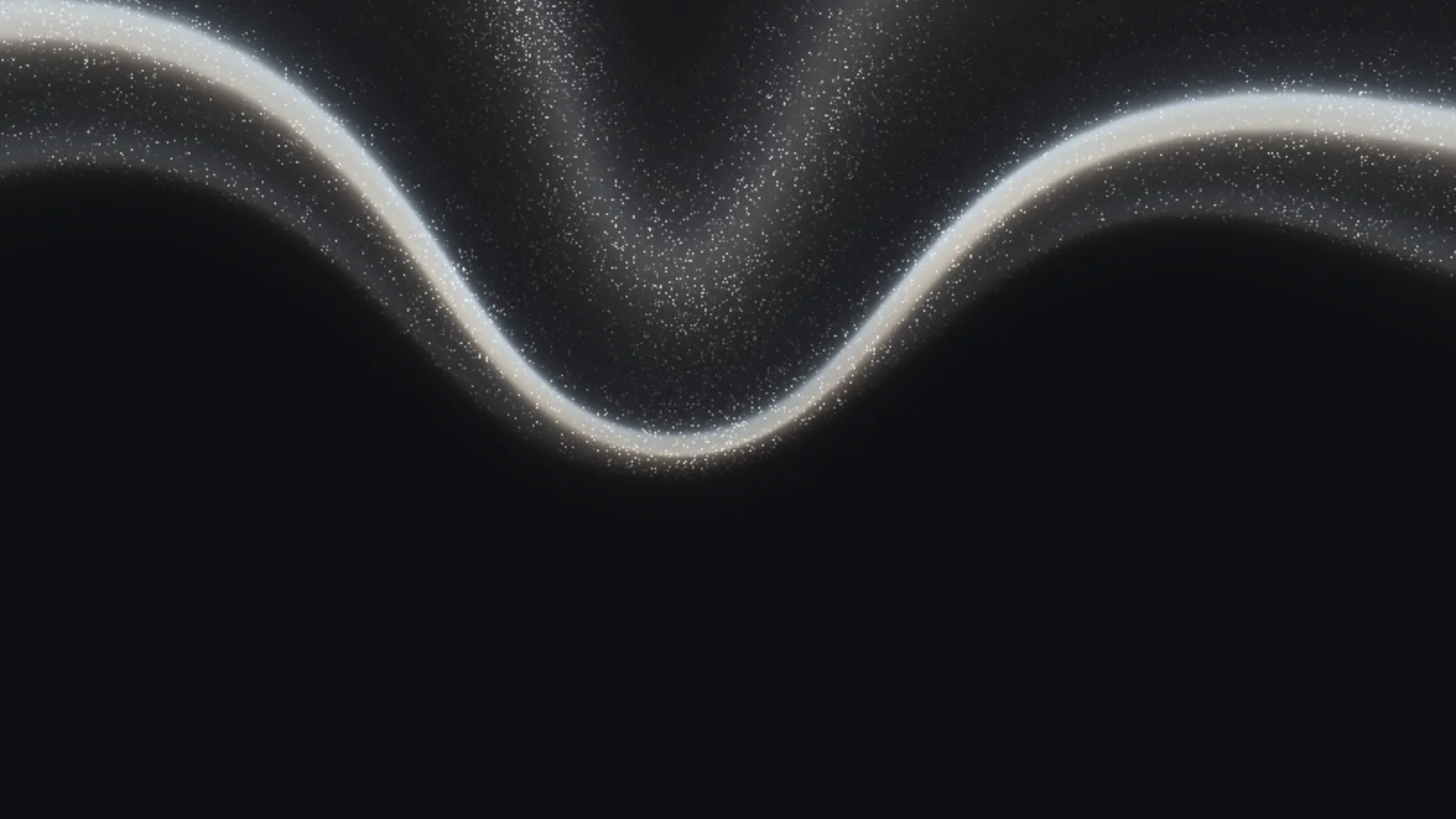

How to choose one
- Keep the bright part away from your headline. Most looks put the light low or along one edge, so text at the top stays readable. Aurora, Twilight and Deep Sea are the calmest. Prism Ribbon and Sunset Valley are the loudest.
- Match one colour, not all of them. Pick a look whose strongest colour is close to your brand colour. In Wayglim's Spectrum section you can switch the palette (Default, Prism, Aurora, Sunset, Ice, Dusk, Mono, Ember, Lagoon, Neon, Jade) or set your own colours.
- Light websites need a light look. Paper Light and Porcelain Mist are made for that. A dark look on a white page looks like a hole.
- Motion should be slow. Speed is a slider. Around 30–50% reads as calm. Above that, it starts competing with the words.
Aurora with mouse interaction
The Library has a group of interactive looks: Follow Me, Repel, Touch Glow, Colour Wand, Grain Trail, Ripple Touch, Lens Hover and Orb Lure. Their light reacts to the pointer over the hero section. They stay still for visitors who ask for reduced motion. Try them in Wayglim.
What you get when you export
Every look exports the same way, from the Export menu:
| Export | Options | Use it for |
|---|---|---|
| Next.js | One WayglimBackground.tsx file |
App Router sites |
| React | One component file | Vite, Remix and other React setups |
| HTML | Two snippets: the engine, then the background | Webflow and plain HTML sites |
| Image | PNG or JPG at 1080p, 2K or 4K | Slides, social posts, a still fallback |
| Video | MP4 or WebM at 720p, 1080p or 4K; 10 s, 30 s or the full loop; 30 or 60 fps | Social posts, wallpapers, sites that can't run WebGL |
The code exports pause when the hero is off-screen or the tab is hidden, show a still frame for reduced motion, cap the pixel ratio at 2 by default, and have no dependencies beyond React. For the setup in a Next.js app, see our Next.js guide. For how it compares with CSS and video, see CSS vs WebGL vs video.
Questions people ask
What is an aurora background? A background of soft, moving bands of light, named after the northern lights. On websites it usually sits behind the hero headline on a dark page.
How do I make an aurora background in CSS? Stack two or three blurred radial gradients on a dark background and move them slowly with a keyframe animation. It's under 1 KB and works everywhere. It won't have grain or sharp light edges; that's what a shader adds.
Can I use an aurora background in Next.js or React? Yes. Pick a look in Wayglim, choose Next.js or React in Export, copy the file and place the component as the first child of your hero section.
Is Wayglim free? Yes. It runs in the browser, needs no account, and every export is free. Everything you export is free for personal and commercial use, with no credit required (licence).
 Try Wayglim, freeWayglim is a free studio for animated light backgrounds. Pick a look, tune its colour and motion, then export Next.js, React or HTML code, an image or a video.