Guides·
Animated hero backgrounds: CSS vs WebGL vs video
Three ways to animate a website hero background, compared on file size, look, performance, accessibility and effort, with our own measured numbers and a simple way to choose.
Loris·5 min

Short answer: use CSS when you want soft colour drifting and every byte matters (under 1 KB). Use WebGL when you want light with grain, refraction and real edges that reacts to the pointer (about 35 KB gzipped for a full engine like Wayglim's). Use a video loop when the page can't run JavaScript, such as an email, some site builders, or a social post, and accept that it weighs megabytes. Whichever you pick, pause it off-screen and show a still frame for reduced motion.
Every animated hero background is one of three things underneath: CSS gradients that move, a shader drawing every frame on the GPU, or a video file playing on a loop. Each one is the right choice somewhere. Here's how they compare, with numbers we measured ourselves where we could.
The comparison
| CSS gradient | WebGL shader | Video loop | |
|---|---|---|---|
| What it is | Blurred gradients moved with @keyframes |
A fragment shader drawn every frame | An MP4 or WebM with autoplay muted loop |
| Typical size | < 1 KB | 3–40 KB (engine), plus your settings | 2–6 MB for 10 s at 1080p |
| Look | Soft colour fields | Grain, refraction, sharp light, any shape | Anything, but fixed |
| Reacts to the pointer | Barely | Yes | No |
| Resolution | Any | Any, sharp on every screen | What you exported |
| Runs where | Everywhere | Browsers with WebGL (almost all) | Everywhere video autoplays |
| Battery and CPU | Low (if you animate transform) |
Medium; pause it off-screen | Low to medium, hardware-decoded |
| Reduced motion | One media query | A still frame | Show the poster, don't play |
| Changing it later | Edit the CSS | Change settings | Export again |
Sizes for WebGL and video in general are from vanta.supply's comparison; the numbers below are our own.
What we measured
We built the same kind of background three ways and weighed the files. All sizes are what the browser downloads; gzip at level 9, which is close to what a CDN serves.
| What | Raw | Gzipped |
|---|---|---|
| A CSS aurora (three blurred gradients, one keyframe, reduced-motion rule) | 569 B | 364 B |
Wayglim Prism Ribbon as a Next.js component (WayglimBackground.tsx) |
74.6 KB | 35.3 KB |
| The same look as Wayglim's HTML embed (engine + background) | 71.9 KB | 33.2 KB |
The Wayglim engine is bigger than a bare shader because it includes grain, lens and refraction effects, pointer interaction, off-screen pausing and context-loss recovery. It's still smaller than the hero image on most landing pages.
Here's the CSS version, so you can try it:
.hero { position: relative; overflow: hidden; background: #05050a; }
.hero::before {
  content: ""; position: absolute; inset: -20%;
  background:
    radial-gradient(40% 30% at 30% 60%, rgba(63, 217, 154, .45), transparent 70%),
    radial-gradient(35% 25% at 65% 55%, rgba(74, 111, 224, .5), transparent 70%),
    radial-gradient(30% 25% at 50% 70%, rgba(224, 69, 122, .35), transparent 70%);
  filter: blur(40px);
  animation: drift 30s ease-in-out infinite alternate;
}
@keyframes drift { to { transform: translate3d(6%, -4%, 0) rotate(8deg) scale(1.1); } }
@media (prefers-reduced-motion: reduce) { .hero::before { animation: none; } }
It animates only transform, so the browser can move the blurred layer on the GPU without repainting it each frame. Animating background-position, which many copy-paste aurora components do, repaints every frame instead.
How each one looks
CSS gives you soft colour fields. WebGL gives you light. That's the honest difference, and it's the reason to pay 35 KB instead of 0.4 KB. These are four Wayglim looks, drawn by its shader:




When to use each
- CSS when the background is mood, not a feature: a soft glow behind a pricing page, a docs site, anything where 35 KB is too much to ask.
- WebGL when the hero is the first impression and you want it to feel made, not picked. Also when you want the light to follow the pointer.
- Video when JavaScript isn't allowed or isn't yours: a Notion or Webflow page without custom code, an email header (as a still), an X or LinkedIn post, a desktop wallpaper, a slide in a talk.
Wayglim exports all three from the same look: code (Next.js, React or HTML), an image (PNG or JPG at 1080p, 2K or 4K) for a still or a CSS fallback, and a video (MP4 or WebM at 720p, 1080p or 4K; 10 s, 30 s or the full seamless loop; 30 or 60 fps).
The rules that apply to all three
- Keep the headline as HTML text. It's what people read, what search engines index, and what should be the LCP element. Never bake it into the video.
- Pause off-screen. An
IntersectionObserverfor WebGL,video.pause()for video,animation-play-state: pausedfor CSS. - Reduced motion means still. Not slower. Show one good frame.
- Have a fallback colour. Set the hero's
background-colorto the darkest colour of the animation, so the page looks finished before anything loads. - Cap the pixel ratio at 2 for canvas and WebGL. A 3× screen at full resolution draws 2.25 times the pixels of 2×, and soft light doesn't look any different.
- Give video a poster that looks finished on its own. Phones in Low Power Mode may not autoplay at all.
- Give users a way to stop it if it runs longer than five seconds next to content. That's WCAG 2.2.2 (Pause, Stop, Hide).
Wayglim's code exports do 2, 3, 4 and 5 for you, with switches in the Export menu. See the Next.js guide for the setup.
Questions people ask
Is a WebGL background bad for performance? Not if it's paused off-screen, capped at 2× pixel ratio and kept off the LCP element. The download is small; the cost is GPU time while it's visible.
Is a video background better than WebGL? It's simpler where you can't run code. It's much heavier (megabytes against kilobytes), fixed at one resolution, and can't react to the pointer.
Can I make an animated gradient with CSS only? Yes, see the snippet above. Animate transform or opacity, not background-position, and add a prefers-reduced-motion rule.
What's the easiest way to get a WebGL background without writing shaders? Use a studio that exports code. Wayglim is free, and exports a Next.js or React component or plain HTML.
Can I use it in a commercial project? Yes. Everything you export from Wayglim is free for personal and commercial use, with no credit required. See the licence.
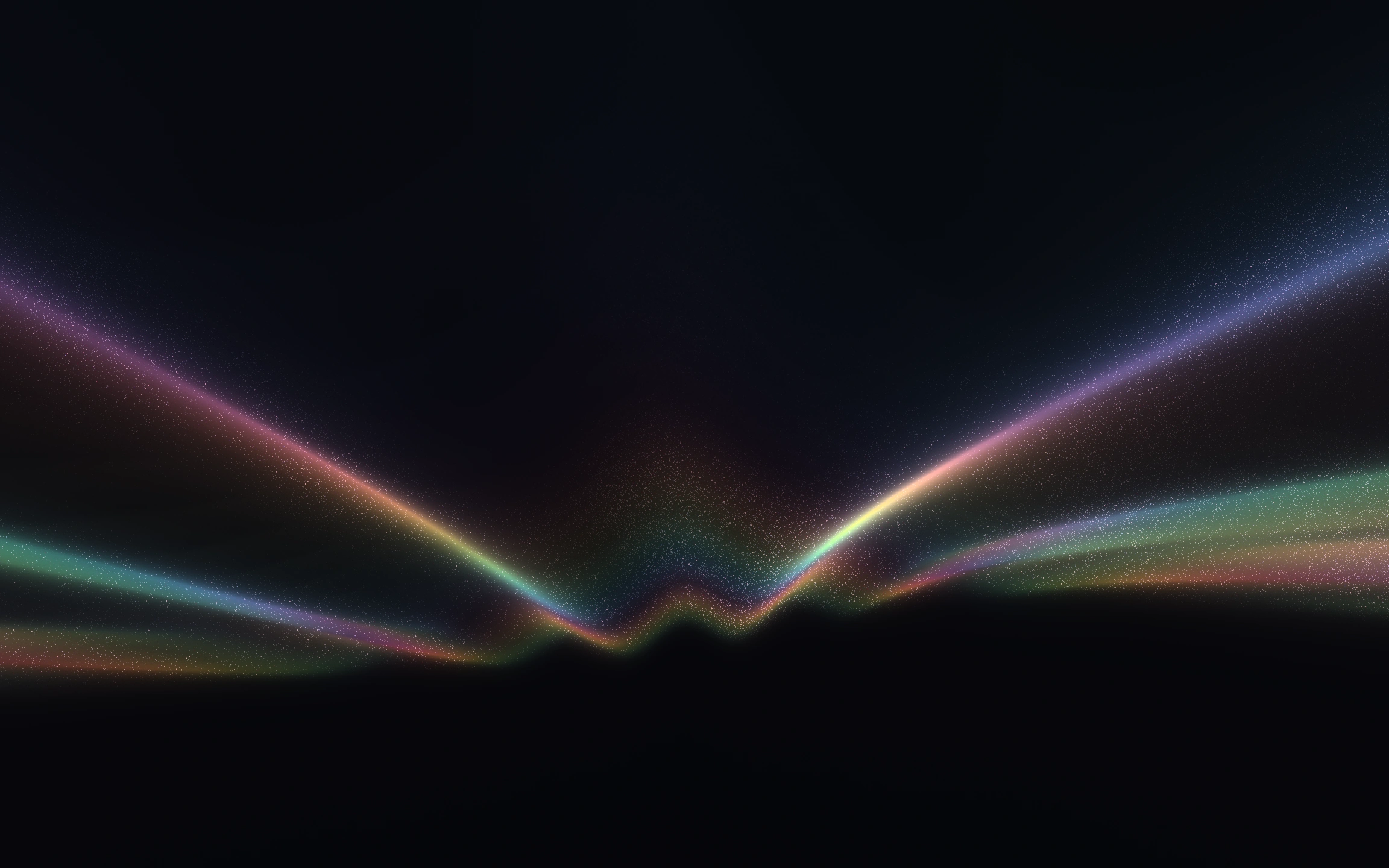 Try Wayglim, freeWayglim is a free studio for animated light backgrounds. Pick a look, tune its colour and motion, then export Next.js, React or HTML code, an image or a video.